WPS Office features
What you get in one free office suite
WPS Office is one installer for Word, Excel, PowerPoint, and PDF work. Writer, Spreadsheet, and Presentation open Microsoft formats. The PDF toolkit, Photos, cloud, and optional WPS AI sit in the same window. Most people searching “WPS Office download” need those four jobs without a Microsoft 365 bill.
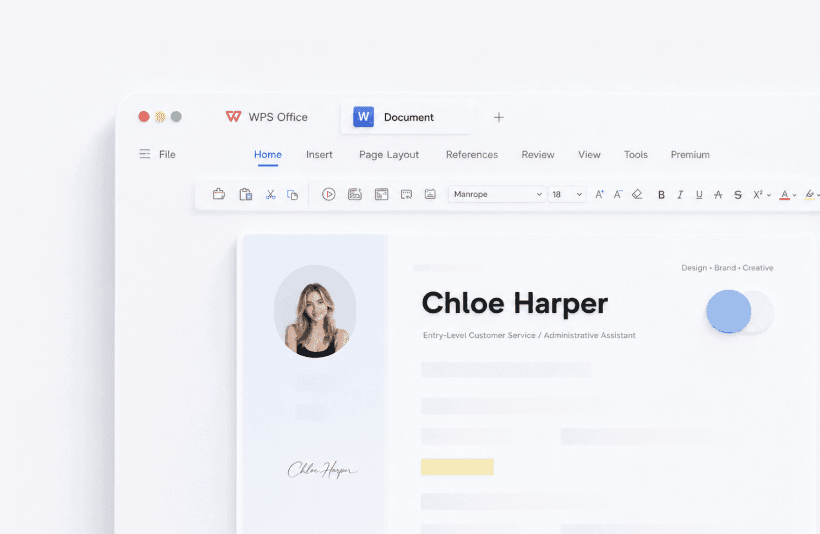
WPS Writer
Word processor for .doc and .docx, comments, track changes, mail merge, and templates. Save as .docx so Microsoft Word users never need WPS.
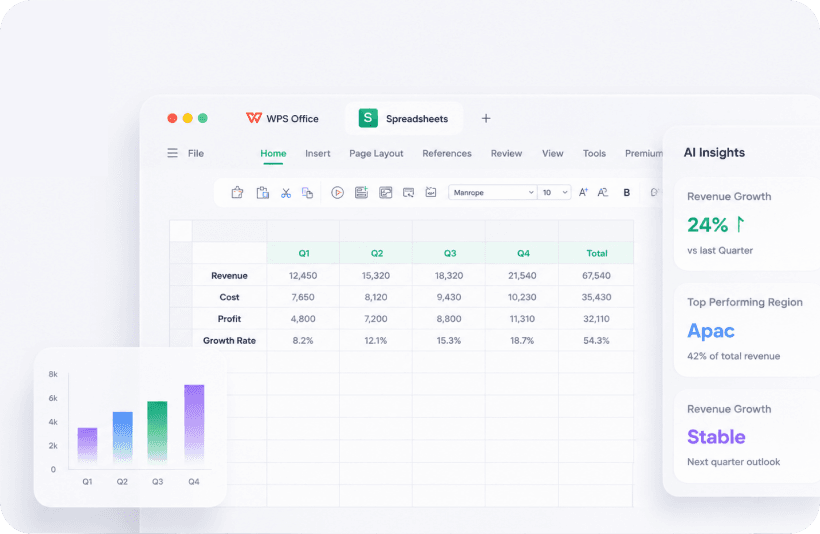
WPS Spreadsheet
Excel alternative for .xls, .xlsx, formulas, charts, pivot tables, and CSV. Check AI Insights against the source cells.

WPS Presentation
PowerPoint alternative for .ppt and .pptx, speaker notes, and AI slides. Export PDF for a frozen handout.
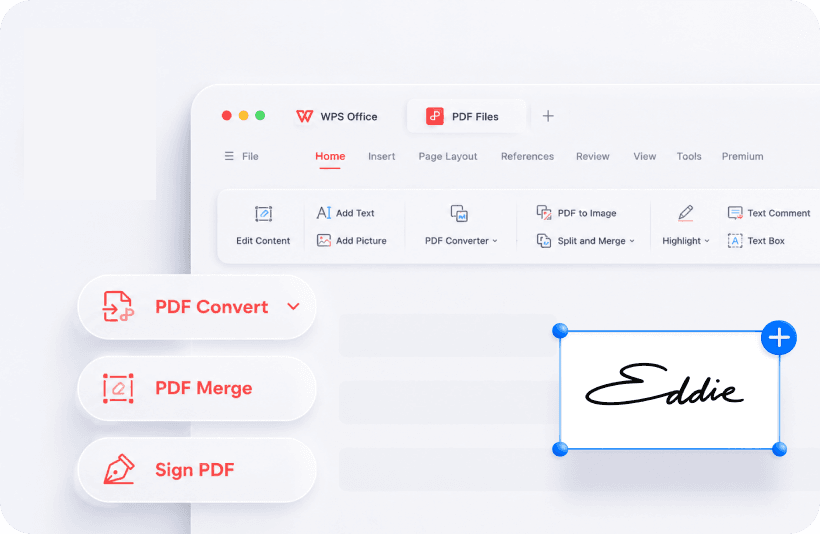
WPS PDF
Read, annotate, merge, sign, and convert PDF to Word. Free conversion is a short page range. Long files usually need Premium.
What “free office suite” means here
You can write, calculate, present, and read PDF without a Microsoft 365 subscription. Ads may appear on the free Windows build. Longer PDF to Word jobs, extra cloud, and heavier WPS AI use sit behind Premium. Core .docx, .xlsx, and .pptx editing stays on the free side.
WPS is not Outlook and not Teams. Keep a mail app. Use this suite for documents. That is the honest feature list, not a slogan.
Who this suite fits
Students after campus Office expires, freelancers who live in Microsoft files, teachers who mark Word homework and annotate PDF in one app, and anyone who wants a PDF editor without buying Acrobat. Stay on Microsoft 365 if you need Outlook and Teams in the same vendor stack. Use LibreOffice if you need open source and no ads.
Also: WPS AI, templates, cloud sync, vs Microsoft Office.
Get the official WPS Office free download
Word, Excel, PowerPoint, and PDF from wps.com. This site never hosts the installer.
Download on wps.com