WPS Spreadsheet
WPS Spreadsheet: Excel alternative for XLS and XLSX
Budgets, gradebooks, and inventory without a second Excel license. Open the file your accountant sent, edit, and send .xlsx back.
What it covers
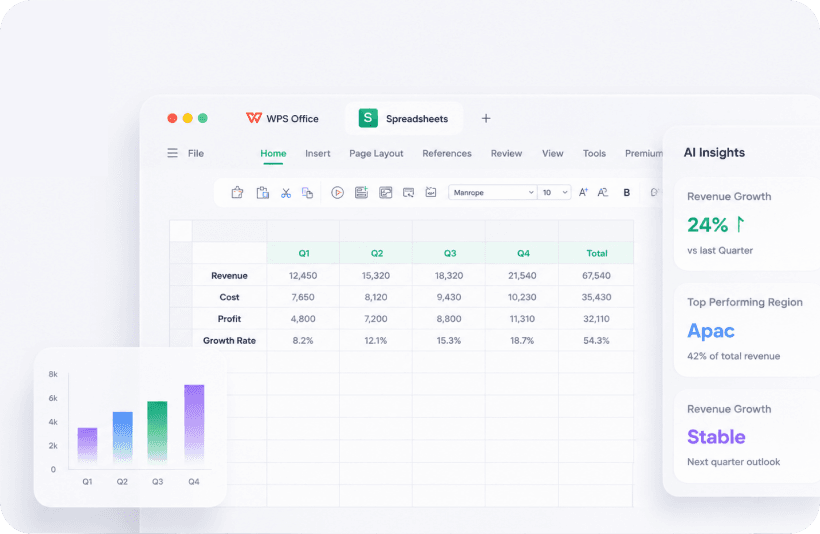
Formulas, pivot tables, charts, and conditional formatting cover everyday Excel work. CSV import is useful for bank exports. AI Insights can summarize a quarter. Check the cells before you present the number. This is the usual landing point for “free Excel for Windows 10” searches.
How to take a CSV to a shareable workbook
Step 1
Import the CSV
Open WPS Spreadsheet, then the CSV. Confirm the delimiter (comma vs semicolon) so columns do not collapse into one.
Step 2
Add formulas on a copy
Keep a raw data sheet. Put SUM, IF, and VLOOKUP-style work on a second sheet so you can re-import later.
Step 3
Chart, then Save As .xlsx
Accountants expect .xlsx, not a WPS-only format. If the file uses heavy VBA, keep Excel for that workbook.
Formats and limits
Opens .xls, .xlsx, .xlsm, .csv, .xlt, and WPS .et. Very large models with macros may still prefer desktop Excel. On Android you can edit client files in a taxi, then sync with Cloud. Still keep a local copy of invoices.
Problems people actually hit
- Dates import as text from a bank CSV: set the column format, do not present the sheet until a sample row looks right.
- AI Insights rounded a total: read the source cells.
- Macro buttons do nothing: that file belongs in Excel.
Related: Writer, vs Microsoft Excel, cloud sync.
Get the official WPS Office free download
Install from wps.com, then open a copy of a real file.
Download on wps.com